How it works
- 1
Open the map
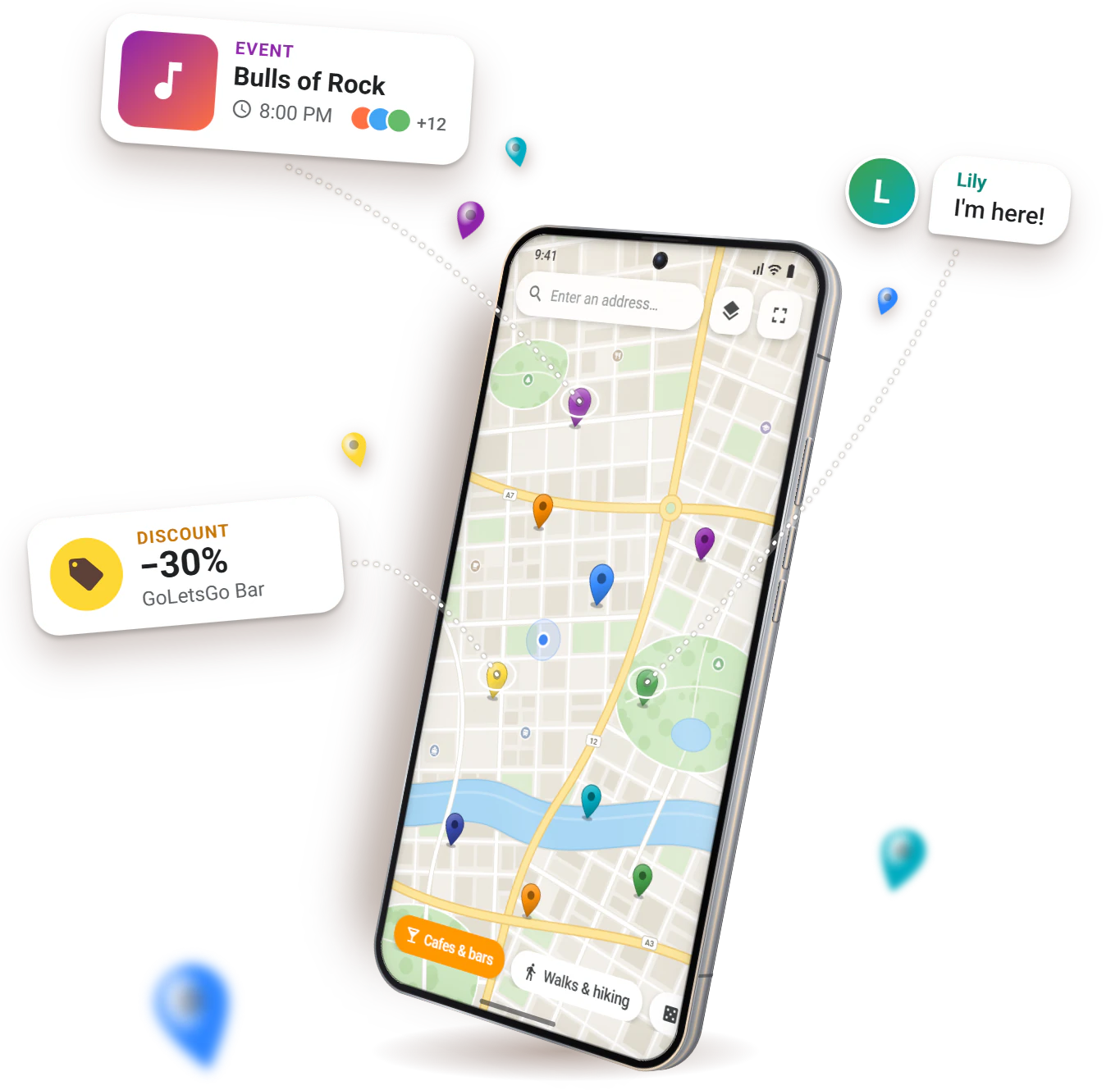
Meetups and events near you, on the map and in the feed. Pick a category and a date.
- 2
Respond or create your own
Like a meetup? Tap “I'm interested”. Nothing suitable? Create your own — it shows up on the map right away.
- 3
Chat and meet up
Sort out the details in chat, add people as friends and find them by username.
For venues
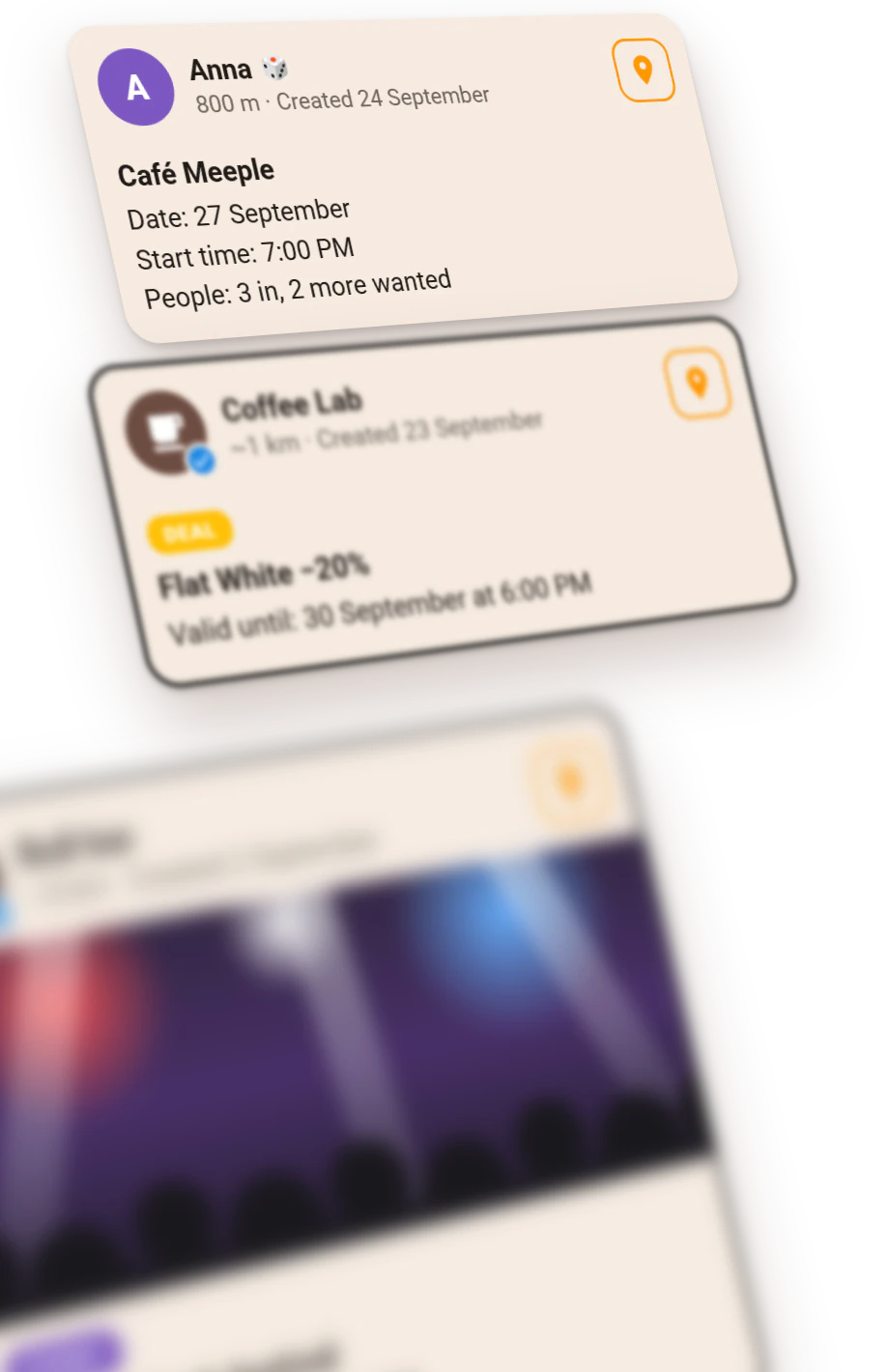
Cafes, bars, clubs, studios and museums publish events, discounts, workshops and giveaways — people nearby see them right away on the map and in the feed.
- Posts appear on the map and in the feed right away
- People subscribe to your venue and get notified about new events, deals and masterclasses
- “Partner” subscription: a trust badge, highlighted cards and analytics on views and responses
Who it is for
- Cafes & bars
- Nightclubs
- Cinemas
- Theatres
- Concert halls
- Exhibitions & museums
- Yoga & dance studios
- Sport & fitness
- Board game cafes
- Escape rooms
- Bookshops
- Beauty salons & barbershops
- Shops
What you can post
- EVENT
Concert, quiz, party, match screening
- DEAL
Happy hour, deal of the day
- MASTERCLASS
Cooking, painting, dancing
- CREW WANTED
Short of players for a team, a quiz or a tournament
- GIVEAWAY
Gifts and prizes for your guests
Safety and respect
18+ Only
People meet in person, and some venues are bars.
Not a Dating App
People get together around shared activities — no romantic features.
Moderation
Reports, user blocking and moderation.
Data Control
Delete your account and data at any time.
FAQ
Is it free?
Yes. Finding people, responding to and creating meetups and chatting are free. Extra features come with an optional subscription.
Is it a dating app?
No. GoLetsGo is for meeting up around shared interests: cafes, walks, games, sports, exhibitions. It has no romantic features.
Where does GoLetsGo work?
The goletsgo.app website works in any modern browser on phones and computers. The Android app is available on Google Play.
Which languages?
English, German, French, Spanish, Italian, Russian and Polish.
How do I delete my account?
In your profile in the app, or follow the steps on the delete account page.